
Tools for fire service exercise training
Right in the browser, no sign-up; some can be installed like an app. Four tools have a full English edition, the others are explained here and operated in German. Your data stays on the device – the exceptions are listed under Good to know.
What's coming up?
Prepare an exercise
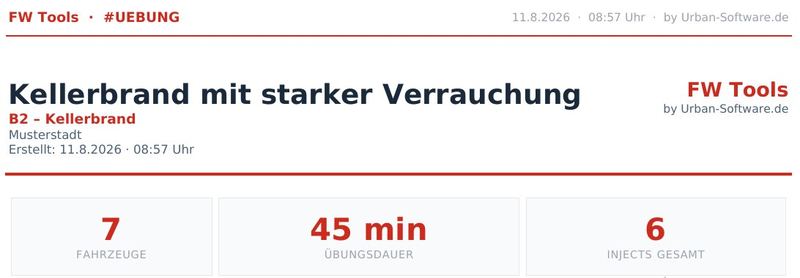
Scenario Generator
Builds a complete exercise scenario from templates – situation, injects and learning goals – and sends it straight to rescueTABLET if you like.
Sample scenarios to look at
A fully generated scenario for every template as a PDF – worked out for a fictional brigade with one fire engine platoon.
Fleet Assistant
Builds the brigade's vehicle list with departments, crews and radio call signs and hands it on as a link.
Scenario Marketplace
Take over finished scenarios from other brigades and adapt them to your own area – or share one of your own.
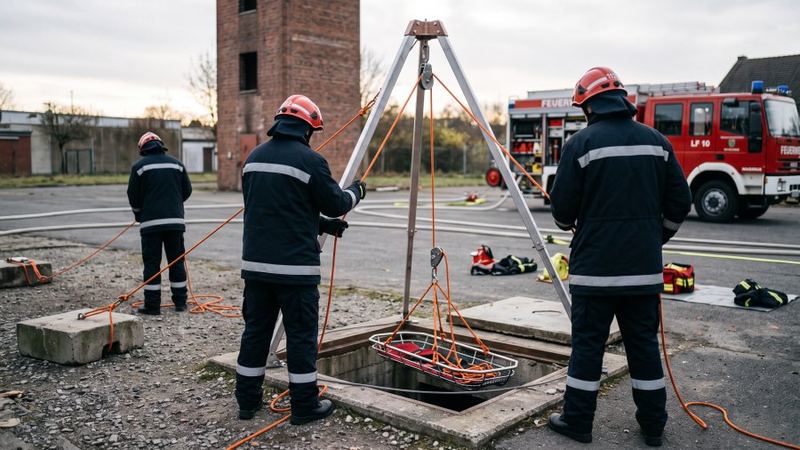
Basic Rope Rescue Exercise Planner
Suggests exercises for simple rescue from heights and depths (ERHT) – from your own equipment, training sites and training level.
Still being built and not released. A password prompt sits in front of the tool – access on request.
Run and record an exercise
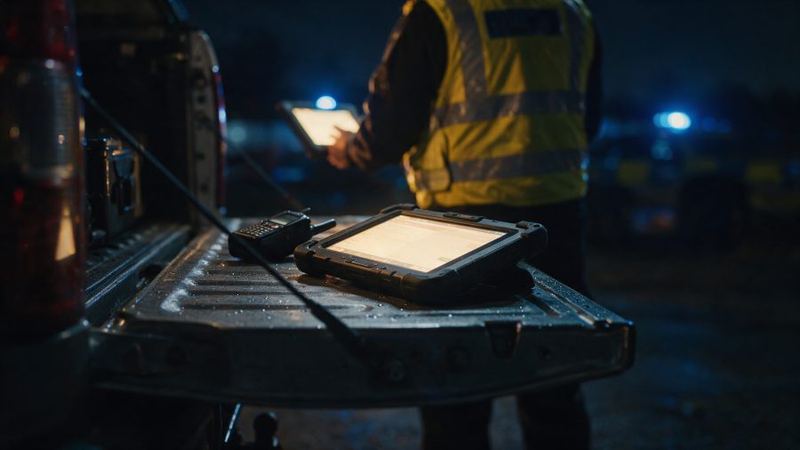
Trainer Cockpit
Control desk for the exercise leader: trigger the scenario, run the clock and feed injects into the running exercise.
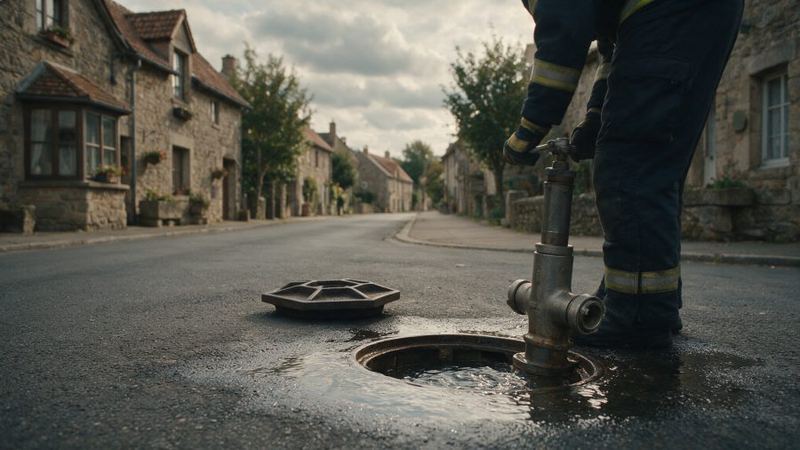
Hydrant Exercise Trainer
Plans hydrant inspection runs, sends timed orders to the vehicles and documents the checks as a PDF.
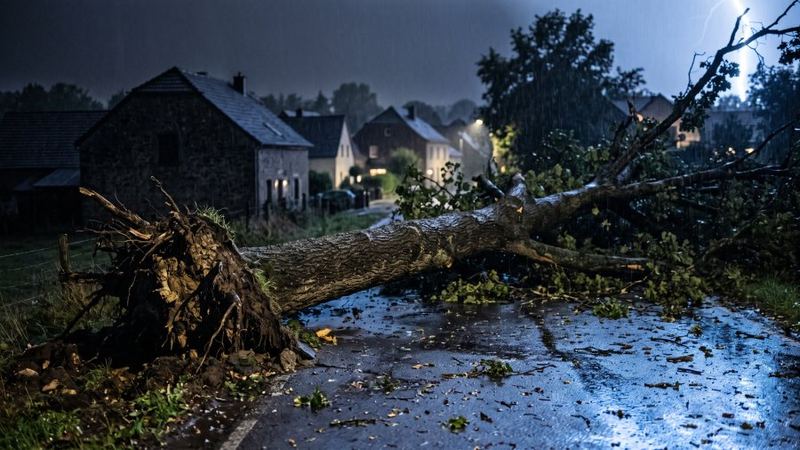
Storm Response Trainer
Tabletop exercise: forty incidents, four vehicles, six hours of storm in fast motion – practise prioritising.
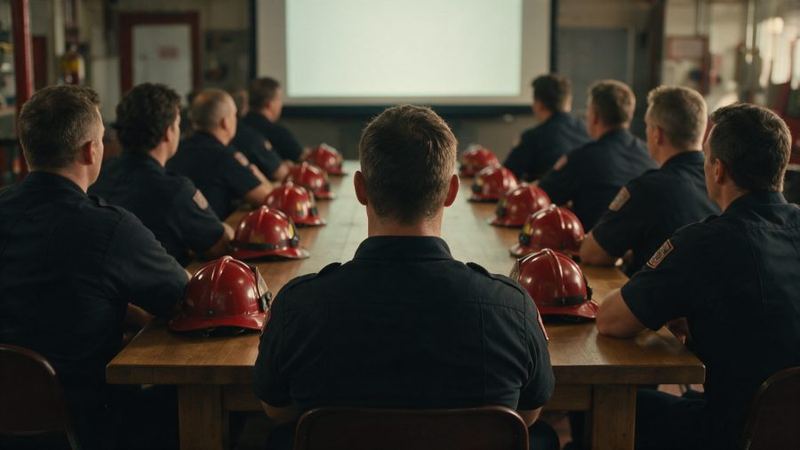
Debriefing & Timeline
Pulls feedback, actions and photos of an exercise from rescueTABLET and shows them as a timeline for the debrief.
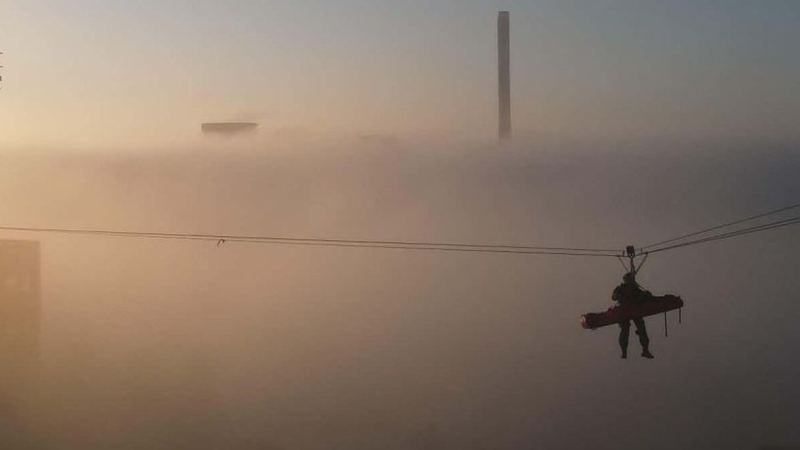
Rope Rescue Exercise Log
Records the rope rescue exercise while it runs – clock, markers, photos – and prints the record at the end.
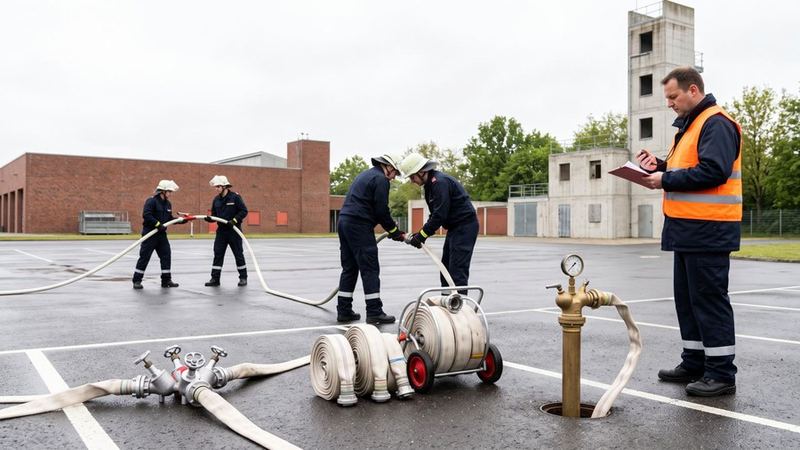
Performance Record
Take times, record stages and print the record – for performance badges and proficiency tests.
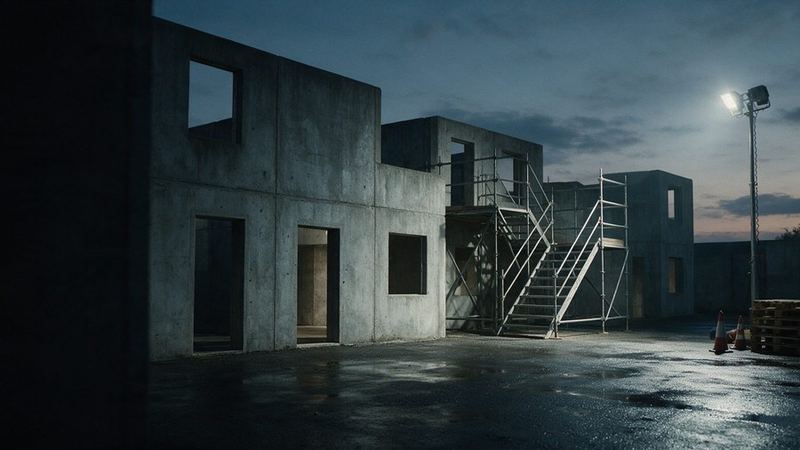
Tactical Training
Stage markers, times and records for police and special-unit trainers, also on your own server.
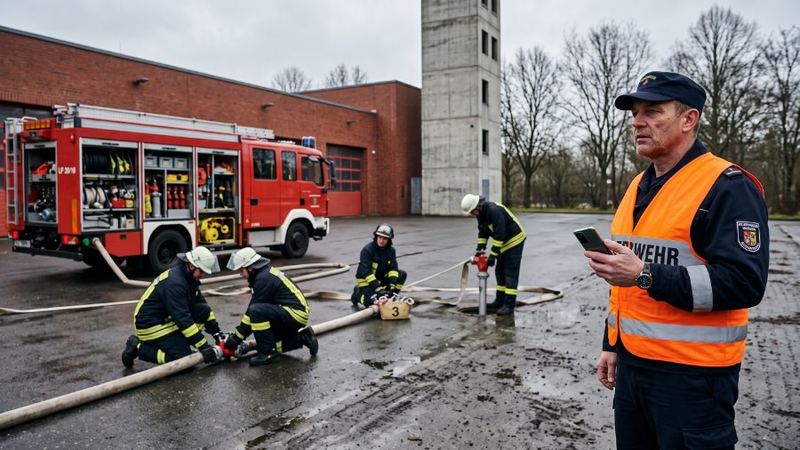
Proficiency Badge Assessment
The guideline's scoring sheets on the phone: each referee scores on their own device, even without network.
Calculate and draw
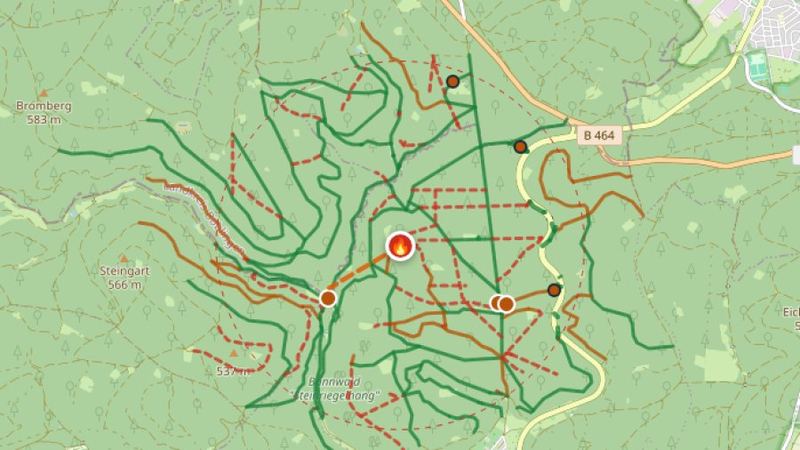
Wildland Fire Water & Access
Shows for a spot in the forest where the water comes from and which tracks the vehicle can take to get there.
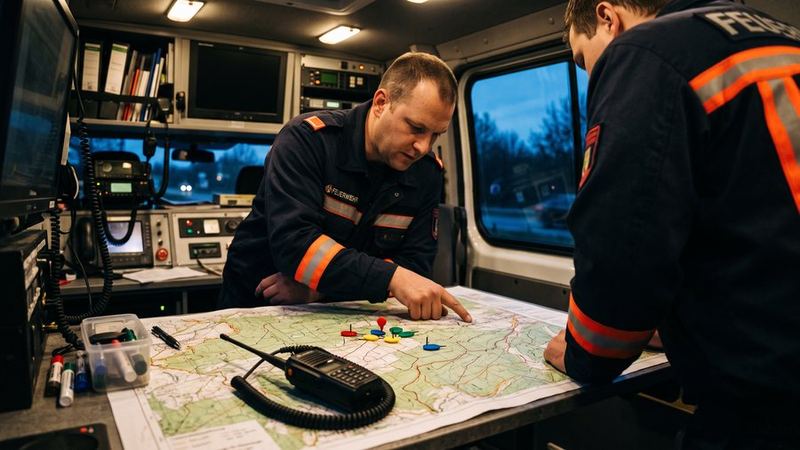
Wildfire Command Map
One shared situation map for several command posts, with tactical symbols per FE-07-25 and an extract for each level.
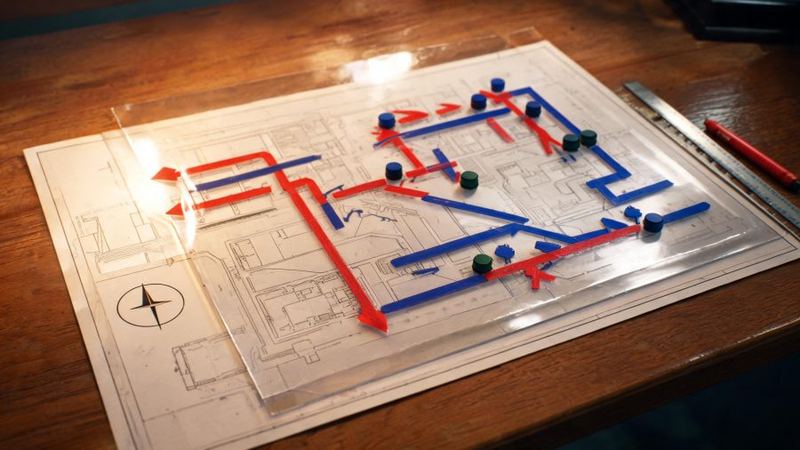
Tactical Map Sketch
Draws vehicles, hose lines and sectors on the map as tactical symbols.
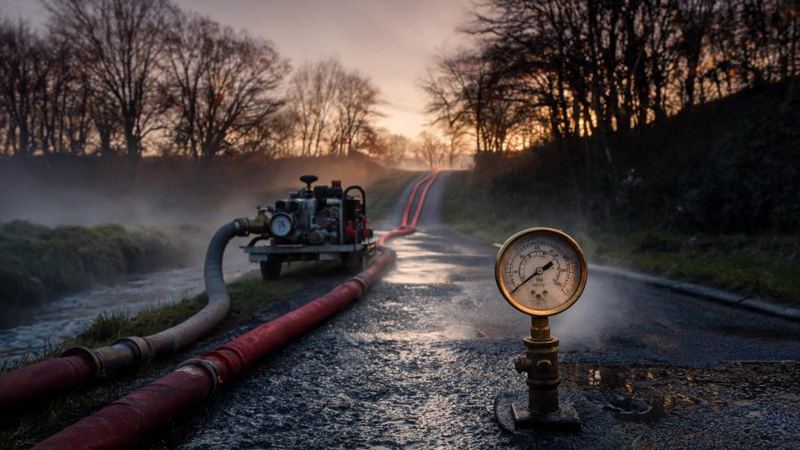
Water Relay Calculator
Calculates a relay line or water shuttle and places the booster pumps needed on the map.
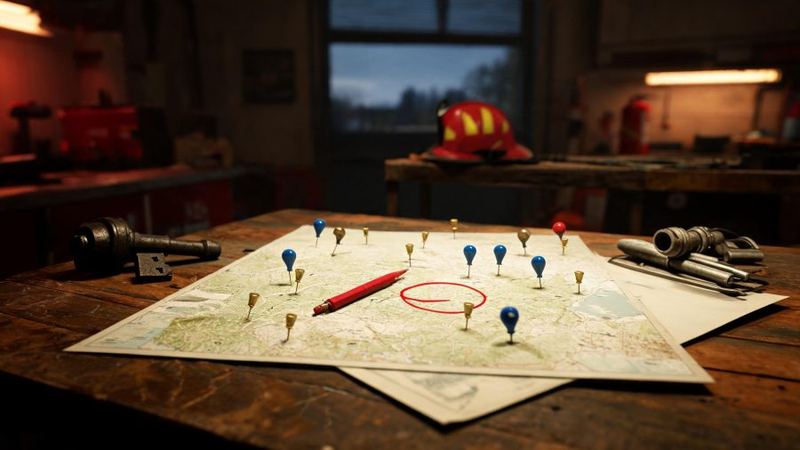
Fire-Water Supply Check
Weighs a development area's fire water demand against what the hydrants really deliver per main.
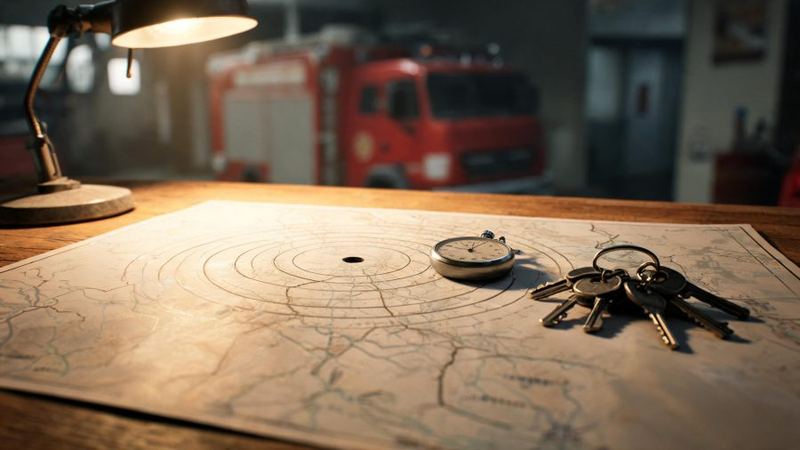
Response-Time Coverage Map
Shows on the map what share of the area is reached within the response time and what a second station would gain.
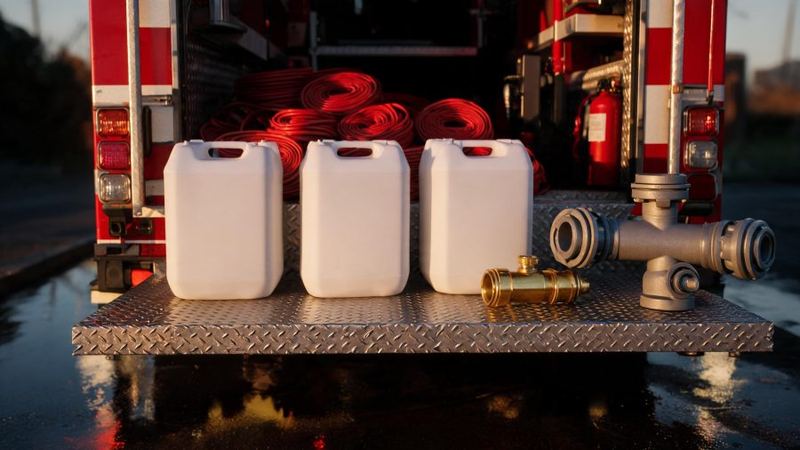
Foam Calculator
Calculates proportioning and finished foam and tells you how long the foam concentrate on the vehicles lasts.
Learn
rescueTABLET
Exercise incidents straight onto the tablets
The Scenario Generator, Trainer Cockpit and Debriefing tools are connected to rescueTABLET: create incidents, call in additional appliances and send messages during the exercise, then pull crew reports, actions and photos back for the debrief.
Urban-Software.de is a sales partner for rescueTABLET – advice, quotation and setup for your brigade from a single source.
Licence
Calculating, drawing and running exercises works without a licence; PDFs then come out as a watermarked sample print. The licence turns them into a record, in three tiers: Brigade €299 a year – record PDF, rescueTABLET connection, sharing on the marketplace, shared situation picture. Trainer €199 a year – the same, but with the Exercise Log instead of the rescueTABLET connection. District from €1,490 a year for up to ten brigades – everything, plus the proficiency badge assessment. Details on the pricing page (DE); to try it out there is a trial key.
Exercise documentation, performance record and operational training are in development: in future, creating an exercise is to require a licence, not only the PDF. Today it works without one; the PDF is then a watermarked sample print.
From the blog (German)
Building exercise scenarios without staring at a blank page
What makes a scenario complete, why it has to bring its template along, and how templates become a scenario for your own fleet in a few minutes.
Response time on the map: where the brigade arrives in time
Why the turnout time decides the coverage, what dispatch records contribute and how a second station can be played through.
Fire-water supply: what the development needs and what the main delivers
Demand per DVGW W 405, yield per water main instead of naive addition – and what follows from the gap.
Good to know
What's new?
Latest v4.62: the Foam Calculator runs inside rescueTABLET and writes the foam demand into the incident log. Everything else under Changes.
Data stays on your device
Logs, assessments and credentials are stored by this device's browser, not by a server. Clearing your browser data deletes them – export first. Our server only holds what you send there yourself: a scenario you share on the marketplace , the shared situation picture of the Wildfire Command Map (30 days), the scores of an assessment (60 days, without names) and the assigned seats of a brigade licence. Maps, address search, PDF and rescueTABLET run through third-party or our servers – everything in the privacy policy (DE).
Which tools are in English, and why
Four have a full English edition: Survivable Space in a House Fire hangs on no national doctrine and reads in metric or US customary units; the Rope Rescue Exercise Log and its sister section Tactical Training follow rules that are the same across borders; and the Water Relay Calculator is physics. The others are explained here but operated in German: their templates and printed documents follow German fire service doctrine (Einsatzstichwort, Löschgruppenfahrzeug, FwDV 3). Which one should follow? Write to info@fw-tools.de.
To print and put out
A folding leaflet on all tools (German) — A4 landscape, double-sided, folded twice. Folded, it stands on the table in the fire station. Several tools have a sheet of their own, linked from their info or help page.